"How About Friday Instead?" What to Do When the Guest Counter-Offers
The counter-offer is where a one-day meeting becomes a one-week meeting. A six-point checklist for executive assistants, and how ANCI turns the reply into one question for you.

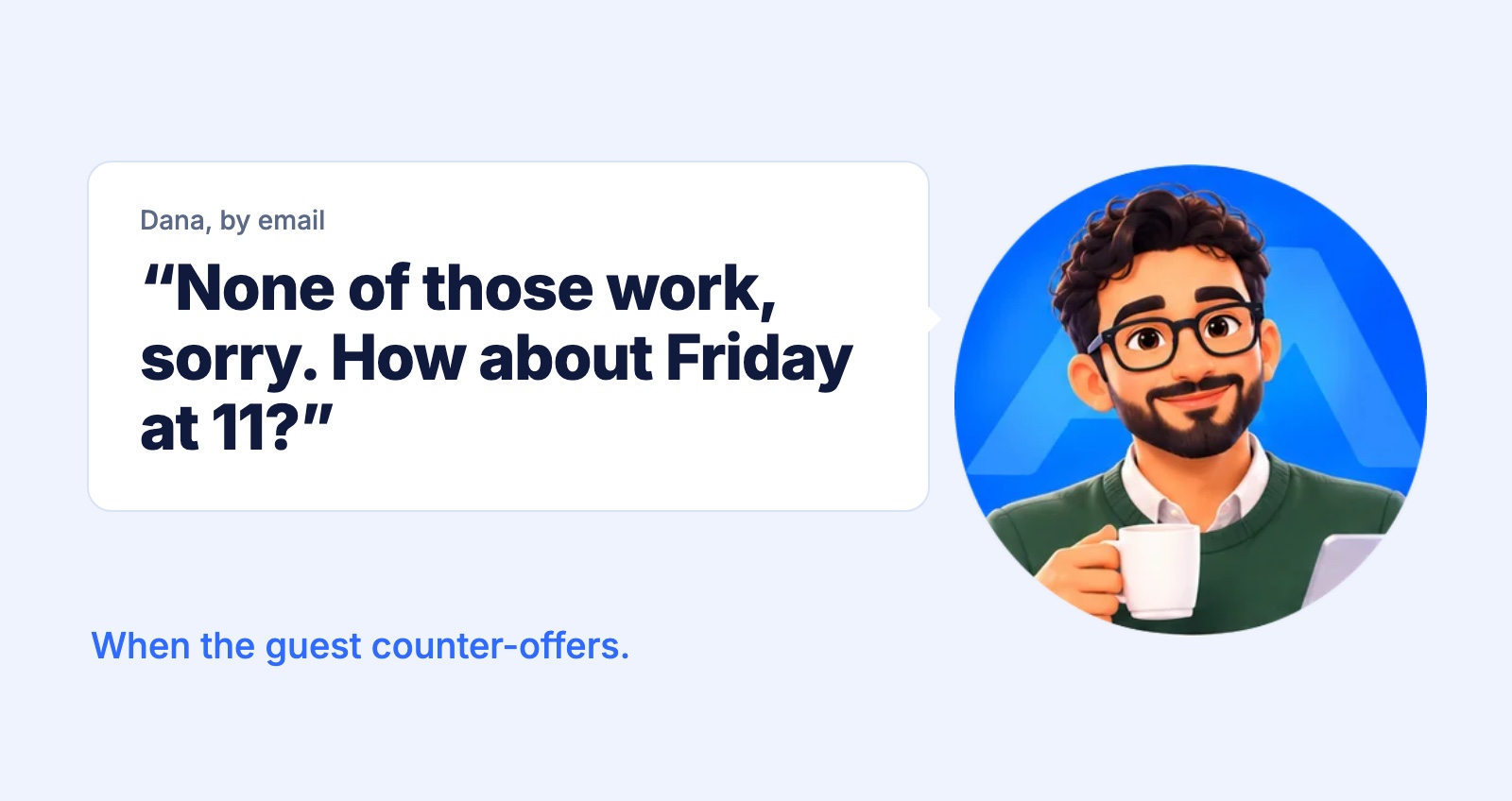
You found three good times. You sent them to the guest. The meeting is as good as booked. Then the reply comes in:
Every executive assistant knows this moment. Finding the first set of times was the easy part. The counter-offer is where a meeting that should take a day starts to take a week.
Why the counter-offer is the slow part
It doesn't look like much work. One time, one question: does Friday at 11 work? But answering it properly means doing most of the job again.
The reply lands in an inbox with a hundred other emails, so it can sit for hours before anyone sees it. The calendar may have changed since you sent the first times. Friday might break a rule your executive never wrote down. And while you check, the guest is waiting, and the slot they asked for can fill up.
Every round of "how about instead?" can add a day. Two rounds and the meeting slips into next week.
A checklist for any counter-offer
Whatever tools you use, these six checks turn a counter-offer around quickly and keep it from coming back a second time:
- Check the live calendar, not your memory. Something may have been added since you sent the first times.
- Check the unwritten rules. No meetings on Friday afternoons, time to prepare before a board call, nothing on a travel day. The calendar can look free when the answer is still no.
- Check whose 11 o'clock it is. If the guest is in another time zone, confirm the time in both before you say yes.
- Answer the same day. A quick yes keeps the slot. A slow one invites another round.
- If the answer is no, offer two exact times. "What else works for you?" starts the whole exchange again. "Thursday at 10 or Monday at 2?" usually ends it.
- Release what you held. If you blocked the first three times on your executive's calendar, free them once the new time is set.
How it goes with ANCI
ANCI is an AI scheduling agent that works for the EA. It takes on the back-and-forth with guests, and you keep the decisions. Here's the counter-offer from start to finish, as it appears in our walkthrough:
The counter-offer reached you as one question, with the calendar already checked. You didn't have to dig it out of the inbox or open the calendar again.
And nothing was booked until you said yes. If Friday doesn't work, you say so, and nothing goes to Dana. The unwritten rules from the checklist stay with you, because you know your executive and ANCI asks before it acts.
Every email to a guest comes from your own address, with your name on it, so Dana knows exactly who is asking.
Try it yourself
This is Level 2 of our ten levels of calendar Tetris: real scenarios from our tests, each about 30 seconds to click through. It uses sample people and calendars, and your own ANCI works the same way on Google Calendar or Outlook.
Click through the counter-offerGet AI scheduling insights, product news, and Bay Area community updates delivered to your inbox.
No spam. Unsubscribe anytime.